Where to put the phone, and how to light it
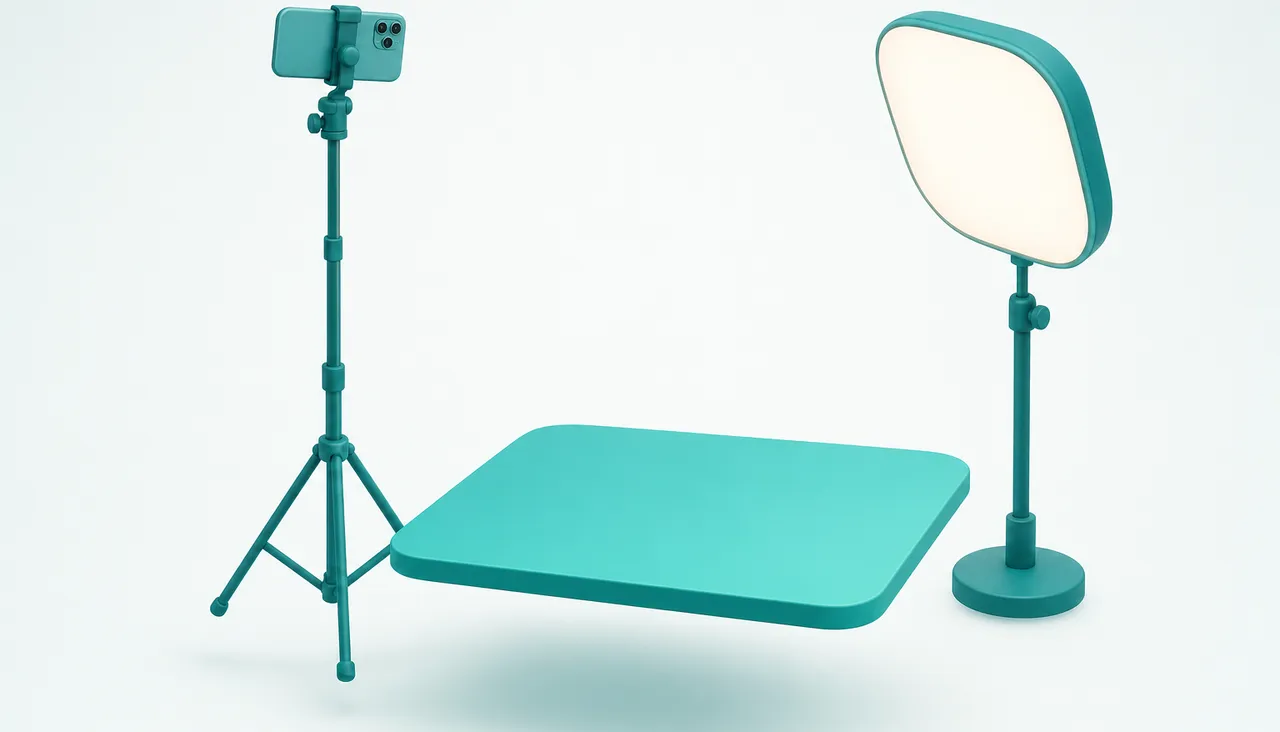
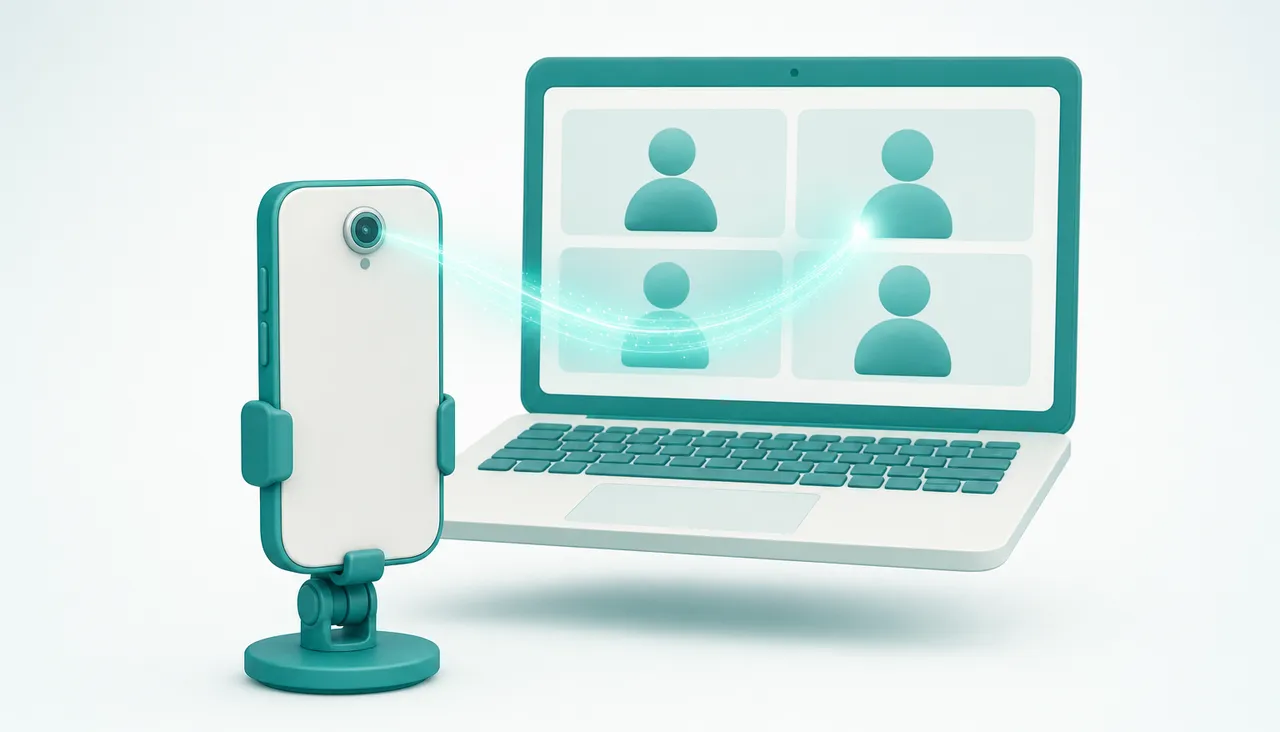
A phone makes a better camera than the one in your laptop lid. Where you put it decides whether anyone notices.
This is the cheapest part of the whole setup and the part people skip. None of it needs equipment you do not already have, and the first two items cost nothing at all.
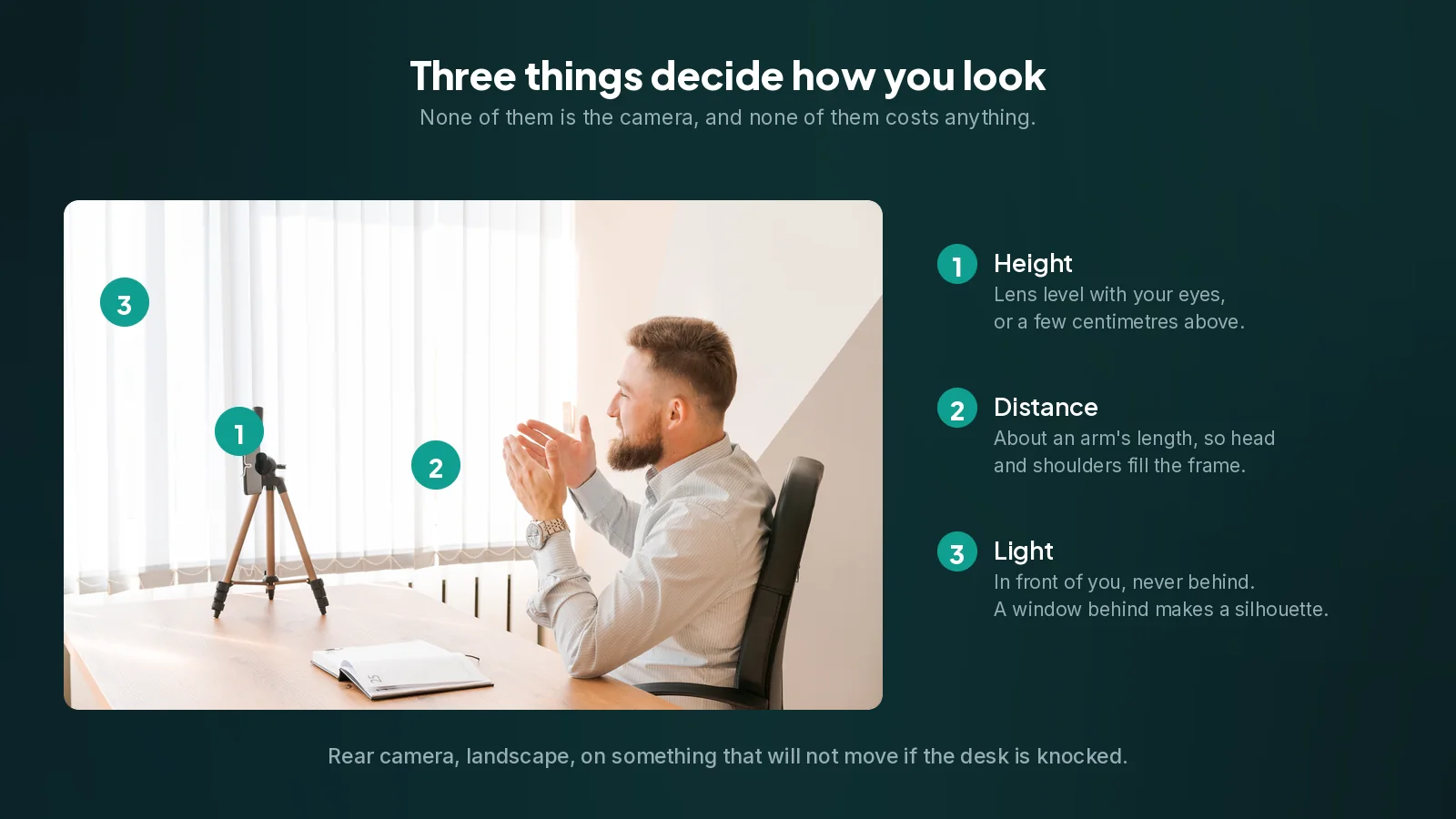
Height: at your eyes, or slightly above
A camera below your face looks up your nose and shows the ceiling behind you. A camera slightly above eye level does the opposite: it is the angle every portrait photographer uses, and it is why laptop webcams, which sit low, are so unflattering.
Put the lens roughly level with your eyes, or a few centimetres higher. If the phone is on a desk, it needs to be lifted: a small tripod, a monitor clip, a stand, or a stack of books if that is what you have. A phone lying flat and propped against something is the worst case.
The quick test: sit as you normally sit, look at the lens, and check that you are not looking down at it.
Distance: head and shoulders, not just a head
Far enough away that your head and the top of your shoulders fill the frame, with a little space above your head. That is roughly an arm's length or a bit more for most phones.
Too close is the more common mistake, and it is worse than too far. A face filling the whole frame is uncomfortable to look at, it exaggerates whatever the lens does to your features, and it leaves the other person no context at all.
Light: in front of you, never behind
This one matters more than the camera does.
Face your light. A window in front of you, or a lamp, or a screen if that is all there is. Light falling on your face is what lets the sensor work with a clean, low-noise image, and clean images survive compression far better than dark ones.
Never sit with a bright window behind you. The camera exposes for the bright background and turns you into a silhouette. No camera and no setting fixes this, because the information was never captured. Turn your desk around, or close the blind.
Avoid a single hard light directly overhead. It puts shadows in your eye sockets and under your nose. Softer and more frontal is better: bounce a lamp off a wall or ceiling rather than pointing it at yourself.
Two soft sources beat one bright one. If you are buying anything at all, a small diffused light beside your monitor does more for your picture than any camera upgrade.
Which camera, and which way round
Use the rear camera. On almost every phone it has a bigger sensor and a faster lens than the front one, and the difference is obvious in a room that is not brightly lit. If the phone sits on a stand, having it face away from you costs nothing.
Use landscape orientation unless you have a reason not to. Conferencing apps expect a wide frame, and a portrait picture ends up with bars down both sides or cropped unpredictably.
Stability, which is not optional
Anything that lets the phone move will move. A propped phone slides, a phone leaned against a mug falls over mid-call, and a camera that drifts a few degrees over an hour is genuinely distracting.
A cheap phone tripod is enough. A monitor clip is neater on a desk and keeps the lens near eye level by default. Whatever you use, make sure a knock to the desk does not change the shot.
If you are using a cable, run it so a tug on it cannot pull the phone over. This is the most common way a good setup fails.
What is behind you
The background is half of what people see, and you do not need a studio.
- Depth helps. A wall directly behind your head is flat and unflattering; a few metres of room behind you looks better on any camera.
- Tidy the frame, not the room. Only what the camera sees matters. Check the actual frame before assuming.
- Avoid busy patterns and moving things, which compress badly and waste bandwidth on nothing.
- Prefer a real background to a virtual one. Software backgrounds chew at the edges of your hair and glitch when you move. If you must use one, blur rather than replace.
A five minute setup
- Put the phone on a stand at eye level, in landscape, rear camera facing you.
- Sit at your normal distance and adjust until your head and shoulders fill the frame.
- Turn so your main light is in front of you, not behind.
- Look at what is behind you in the actual frame, and move anything distracting.
- Plug the phone in, because being a webcam drains a battery quickly.
That is the whole thing. It survives being knocked, it looks the same tomorrow, and it will do more for how you come across than any setting in any app.
Do you need to buy anything
Probably not, and if you do, buy in this order.
A stand or clip. The cheapest thing in this guide, and the only one most people actually need.
A small light, if your room is dim in the evening. This is the second best money in the list by a distance.
A longer cable, if you want the phone charging where the shot wants it rather than where the socket is.
Nothing else on the usual accessory lists will change your picture as much as moving your desk to face the window, which is free.
Frequently asked questions
How high should the camera be?+
Level with your eyes or a few centimetres above. A camera below your face looks up your nose and shows the ceiling, which is exactly why laptop webcams are so unflattering.
Where should the light be?+
In front of you. A bright window behind you turns you into a silhouette and no camera or setting can fix that, because the information was never captured. Face the window instead.
Front camera or rear camera?+
The rear one. On almost every phone it has a bigger sensor and a faster lens, and the difference is obvious in a room that is not brightly lit. If the phone is on a stand anyway, having it face away from you costs nothing.
How far away should the phone be?+
About an arm's length, so your head and the top of your shoulders fill the frame with a little space above your head. Too close is the more common mistake and it is worse than too far.
Do I need to buy anything?+
Probably just a stand or a monitor clip. After that, a small diffused light if your room is dim in the evening. Nothing else on the usual accessory lists changes your picture as much as turning your desk to face the window, which is free.